> ## Documentation Index
> Fetch the complete documentation index at: https://docs.shipmobilefast.com/llms.txt
> Use this file to discover all available pages before exploring further.
# Forgot Password
> If your users forget their password, they can reset it now.
I think you may wonder why we can't using the PASSWORD\_RECOVERY event from Supabase.
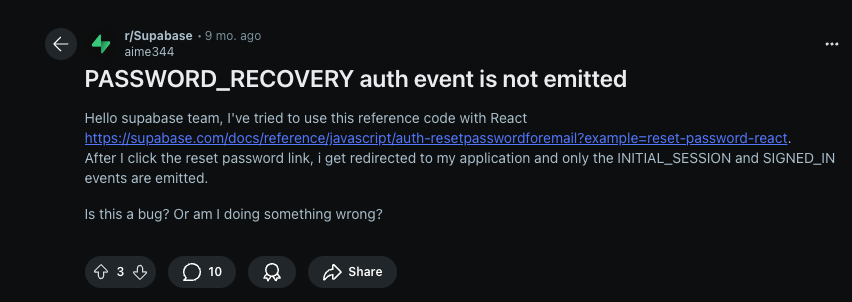 Naa, don't worry. I fixed this.
First go to the [Supabase Dashboard](https://supabase.com/dashboard) > `Click on your project` > `Authentication` > `URL Configuration` > `Redirect URLs` > `Add URL`.
Add the following URL: `://**`
You can find your app bundle identifier in the `app.json` file.
You can use `*` as a wildcard for the path.
Naa, don't worry. I fixed this.
First go to the [Supabase Dashboard](https://supabase.com/dashboard) > `Click on your project` > `Authentication` > `URL Configuration` > `Redirect URLs` > `Add URL`.
Add the following URL: `://**`
You can find your app bundle identifier in the `app.json` file.
You can use `*` as a wildcard for the path.