> ## Documentation Index
> Fetch the complete documentation index at: https://docs.shipmobilefast.com/llms.txt
> Use this file to discover all available pages before exploring further.
# Sentry
> Set up Sentry for error tracking
 We are using [Sentry](https://sentry.io/) to track errors.
## Quick Start
First, go to the [Sentry](https://sentry.io/) and create a account.
After you create your account, click start button.
We are using [Sentry](https://sentry.io/) to track errors.
## Quick Start
First, go to the [Sentry](https://sentry.io/) and create a account.
After you create your account, click start button.
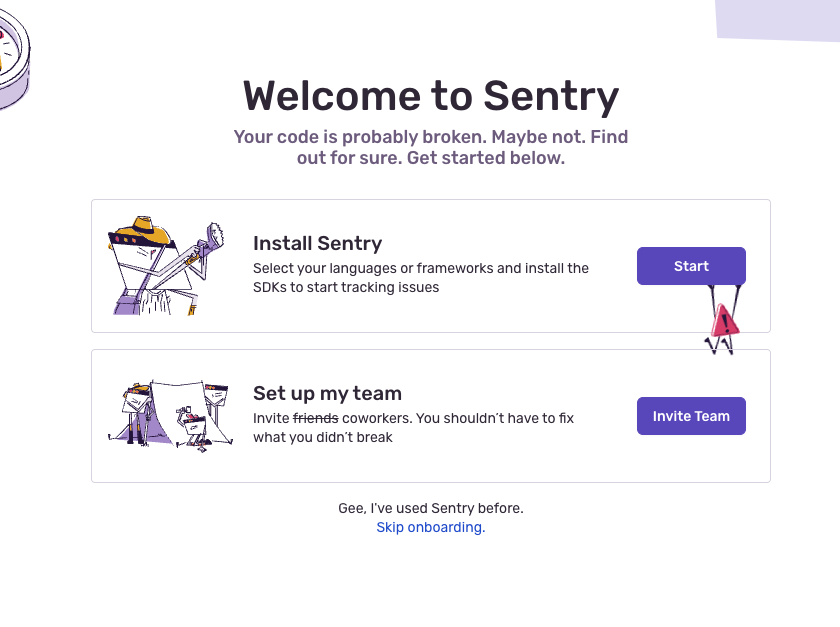 After you click start button, you will see this screen.
Pick React Native and go to next step.
After you click start button, you will see this screen.
Pick React Native and go to next step.
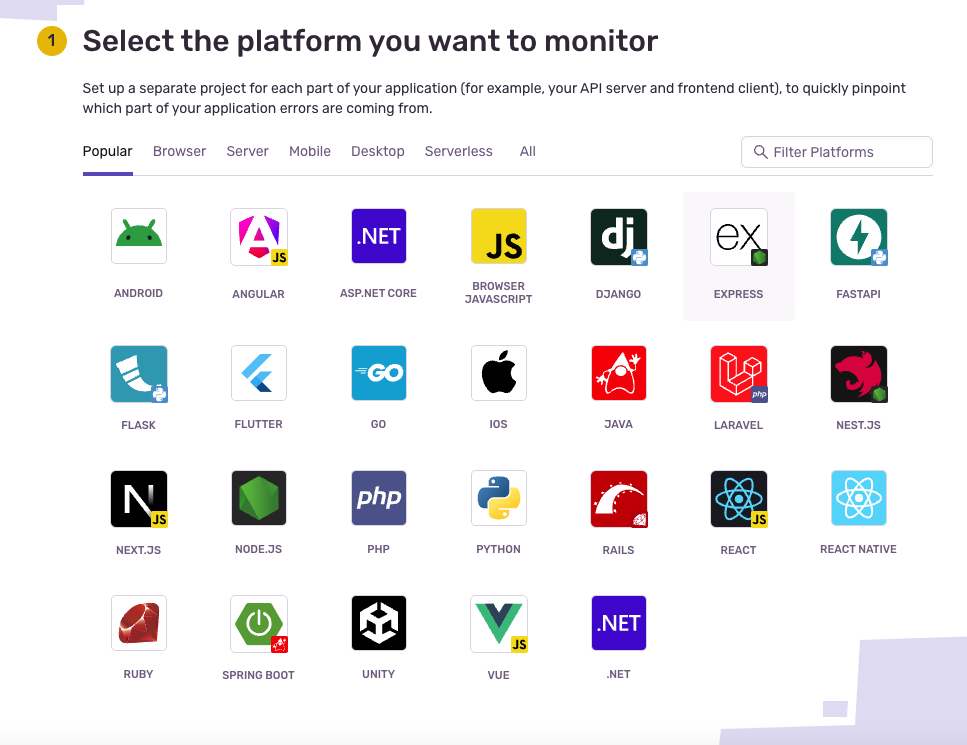 After you click next, you will see this screen.
You don't need to install anything.
After you click next, you will see this screen.
You don't need to install anything.
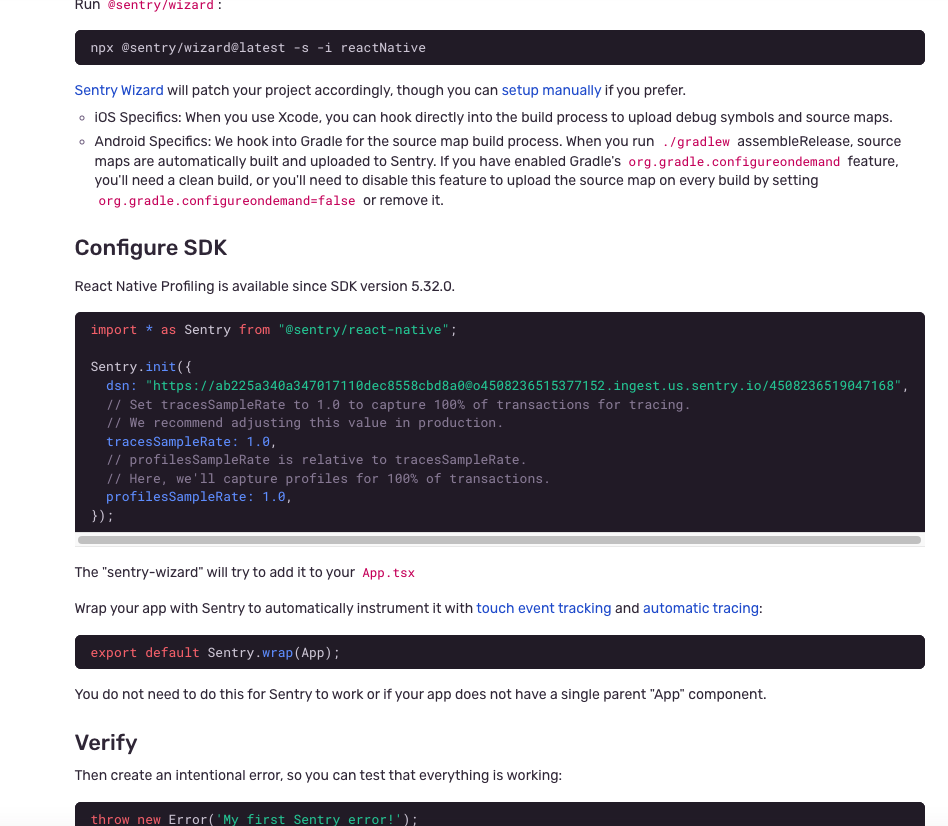 Just copy your dsn: `...` and paste it here:
```tsx app/_layout.tsx theme={null}
import * as Sentry from '@sentry/react-native';
Sentry.init({
dsn: 'your-sentry-dsn-here',
tracesSampleRate: 1.0,
_experiments: {
profilesSampleRate: 1.0,
},
});
```
After you paste your dsn, go to the bottom of the app/\_layout.tsx file and change this:
```tsx app/_layout.tsx theme={null}
export default Sentry.wrap(App);
```
Thats it. You are done.
Just copy your dsn: `...` and paste it here:
```tsx app/_layout.tsx theme={null}
import * as Sentry from '@sentry/react-native';
Sentry.init({
dsn: 'your-sentry-dsn-here',
tracesSampleRate: 1.0,
_experiments: {
profilesSampleRate: 1.0,
},
});
```
After you paste your dsn, go to the bottom of the app/\_layout.tsx file and change this:
```tsx app/_layout.tsx theme={null}
export default Sentry.wrap(App);
```
Thats it. You are done.